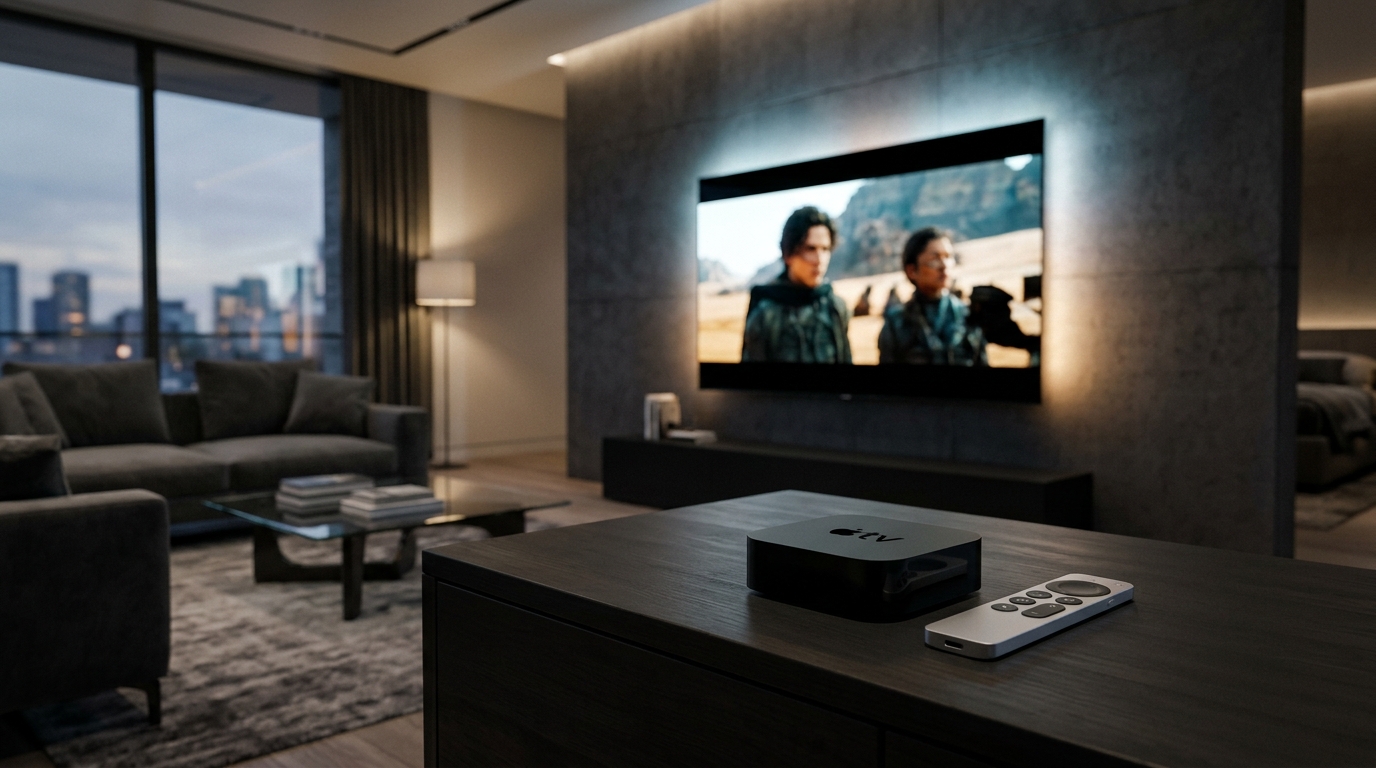
Traveling for business or vacation shouldn't mean missing your favorite sports matches or television series. With a portable streaming device, you can take your subscription wherever you go.
Here is how to ensure smooth streaming when away from home using your Great IPTV pass.
01Preparing Your Portable Streaming Hardware
A compact Amazon Firestick 4K or an iPad makes the ideal travel streaming companion.
Pack an HDMI extension cable and a USB power adapter so you can easily plug your Firestick into hotel televisions. Review our Firestick configuration tutorial.
Ensure your player app is pre-installed and credentials are saved before departure to avoid setting up over unfamiliar networks.
02Handling Hotel Captive Portal Wi-Fi
Hotel Wi-Fi often requires agreeing to terms on a splash page before internet access is granted. Amazon Fire TV supports captive portals through its built-in web browser.
If the hotel TV blocks Wi-Fi sign-in, tether your streaming device to your smartphone's mobile hotspot for a direct connection. See our home network guide for latency tips.
03Understanding Multi-Screen & IP Rules
Standard subscriptions permit 1 active stream at a time. If someone at home attempts to watch simultaneously from a different location, a stream conflict will occur.
To stream simultaneously while traveling without interrupting viewing at home, upgrade to a 2 or 3-screen package via our pricing configurator.
04Managing Mobile Data Usage
High-definition 1080p video consumes approximately 1.5 to 3 GB of data per hour, while 4K feeds can consume 5 to 7 GB per hour. When using mobile data plans, monitor usage carefully.
Have questions about roaming or international IP routing? Check our frequently asked questions or reach out to our VIP contact desk.
Optimizing Your Setup for Zero Buffering
Maintaining low network latency, direct 5 GHz or Ethernet routing, and updated player decoders are essential for consistent 60 FPS live sports and 4K cinema playback. If you experience unexpected stream drops or want to test our Tier-1 anti-freeze network, contact our support desk below.